WhatsApp Desktop
WhatsApp for PC is the most popular web app that helps you end-to-end encryption chat and audio/video calls.

Safe & Secure



Microsoft Outlook is one of the most powerful email management tools used for managing all email accounts from Microsoft and other providers, including Gmail, Yahoo, or iCloud. It has replaced the old Mail and Calendar, and proves the best combination of emails, calendars, and tasks together without switching to other apps.
The app helps to schedule a calendar to keep appointments tied to messages. Use the Advanced Search option to get back the older details, and the Focused Inbox and Conversation view make your threads readable, avoiding making the projects hectic.
Also available for: Android
Microsoft Outlook was developed by Microsoft and was launched in 2013. It is available as part of the Microsoft 365 suite, and you can even use it as a standalone application. The productivity app helps to manage communication and organization while working as a replacement for Windows Mail and the Windows People contact management app.
The app offers compatibility for Windows, macOS, mobile, and web browsers, allowing users to sync their data across multiple devices. The availability of multiple productivity tools enhances your communication capabilities.
The app offers a modernized appearance compared to the old versions, as the major part of the interface is white and gray, and some blue here and there. However, some people complain that buttons aren’t clearly visible because of the white color. The icons are text-based to make everything easily accessible. The entire layout is the same, with some minor changes.
The integration with the calendar enables users to manage their agenda, such as booking conference rooms, tracking RSVPs for meetings, and so on. The calendar sharing capability helps to plan and coordinate schedules, ensuring the availability of coworkers. The calendar management offers an all-in-one solution for sharing, scheduling, and getting reminders.
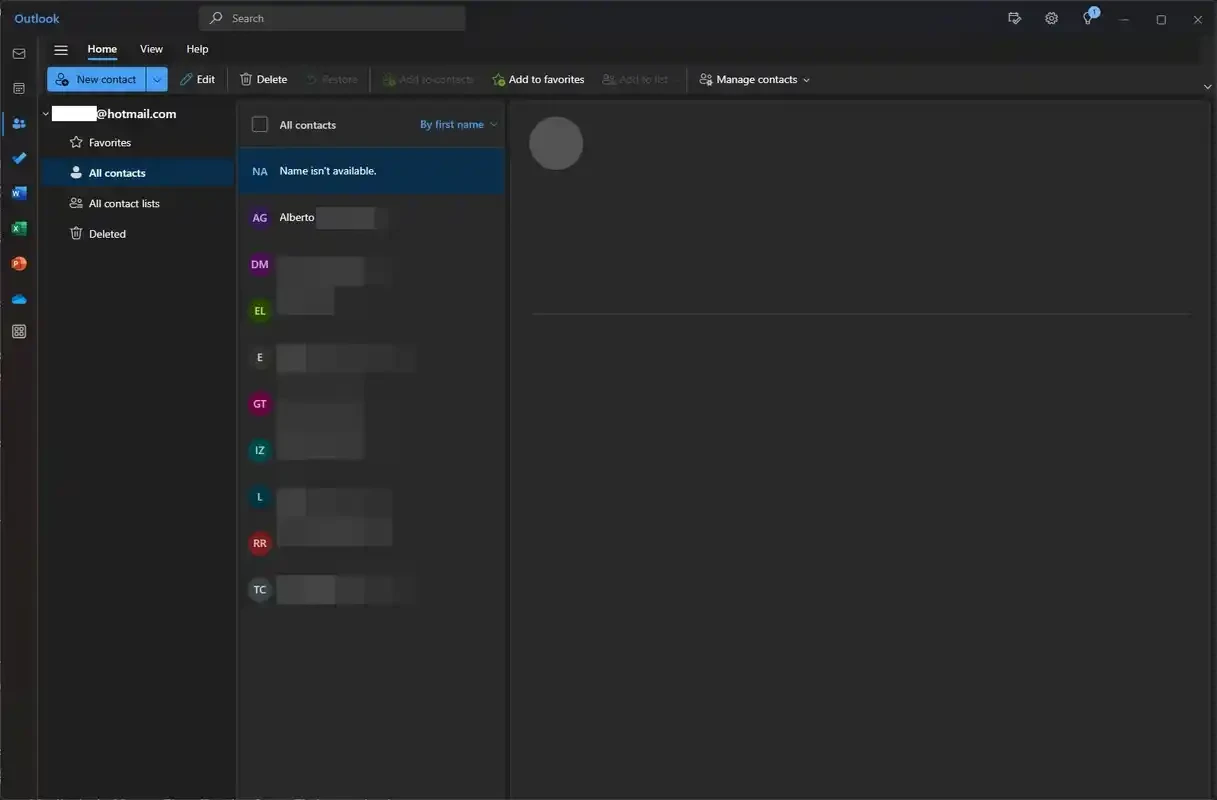
The handling of contacts is one major improvement, as it streamlines everything while combining contacts and adding contacts based on your linked accounts automatically. It also enables you to add contacts from all linked platforms such as LinkedIn, Facebook, etc. In this way, you can seamlessly sync data across all connected accounts, and if a person is available on three platforms, the app will combine all three contacts into a single one and also include their profile pictures to make their identity easier.
It is one of the significant features, offering foolproof security and a trusted environment for the world’s largest organizations. So, the app offers 24/7 services for protecting confidential information. In addition, the anticipation of your requirements is also possible, as multiple payments such as travel and bills are automatically added to the calendar, and it also offers reminders to track your important activities.
You will find multiple innovative smart tools with a clean and customizable interface. It includes ribbon and navigation panes that can be personalized according to user preferences. Multiple accessibility features, including high contrast themes, screen reader support, and Read Aloud, ensuring to work well for a huge audience. It also offers straightforward collaboration while offering integration with all Microsoft 365 apps such as MS Word, MS Excel, Teams, and SharePoint. However, the app has lack of multiple advanced project management tools, including Gantt charts.
The app is the best option to make your inbox organized, offering a repeatable triage loop, including sort, act, and archive without losing context. You can save time with Quick Steps for grouping actions such as filing, forwarding, and templated replies into one click. Make your cross-project reporting simple and easy while adding lightweight tags through Categories.
You can create groups to manage your group activities such as discussing, collaborating, and sharing files and notes with your contacts. The integration with other productivity apps such as Skype allows users to start Business voice and video calls for urgent real-time discussions.
As the app is part of MS Office 365, you can easily upload your attachments to OneDrive and even OneDrive for Business. No need to switch to other apps; instead, share your uploaded apps, making it possible for others to access them automatically.
Pros
Cons

WhatsApp for PC is the most popular web app that helps you end-to-end encryption chat and audio/video calls.

Microsoft Teams collaboration and communication tool for personal and professional use

Download Facebook Android APK on PC Windows (7/10/11) to upload and share your happy memories, photos, and videos.

Zoom App for PC get all of your co-members and students in a video conference

Discord Canary, test upcoming features before they release

Telegram Desktop is Communication app for PC. Working under the MTProto protocol.